
Drop to open
Drag an audio file into the window and start editing as soon as its waveform appears.
Audio editing for macOS
WaveCarve is a private MP3 cutter and audio trimmer for Mac. Drop in an MP3, M4A, WAV, FLAC, OGG, WMA, or other supported audio file, select what you do not need, and export a clean copy without uploading your audio.
Designed for focus
A focused workflow for podcasts, interviews, recordings, and music clips.
Drag an audio file into the window and start editing as soon as its waveform appears.
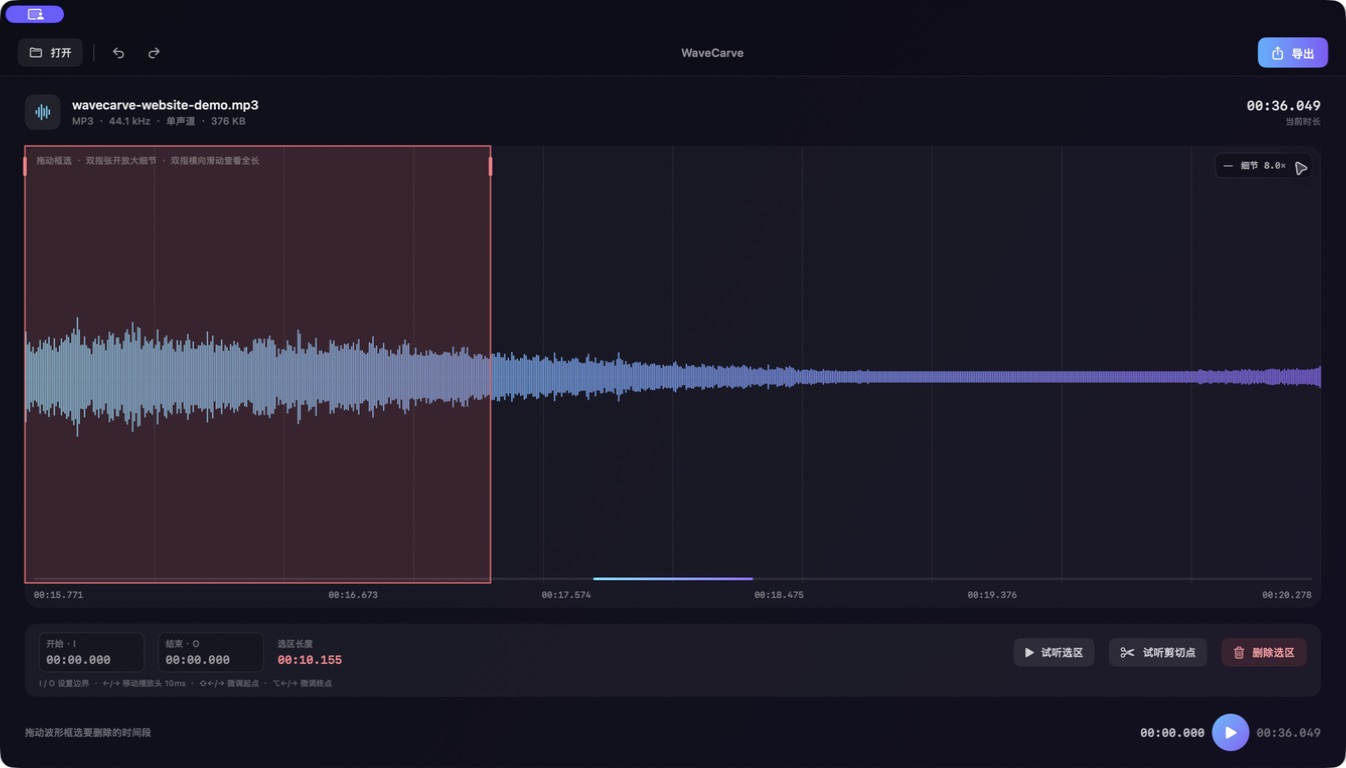
Pinch on the trackpad to reveal finer detail without changing the audio's true duration.
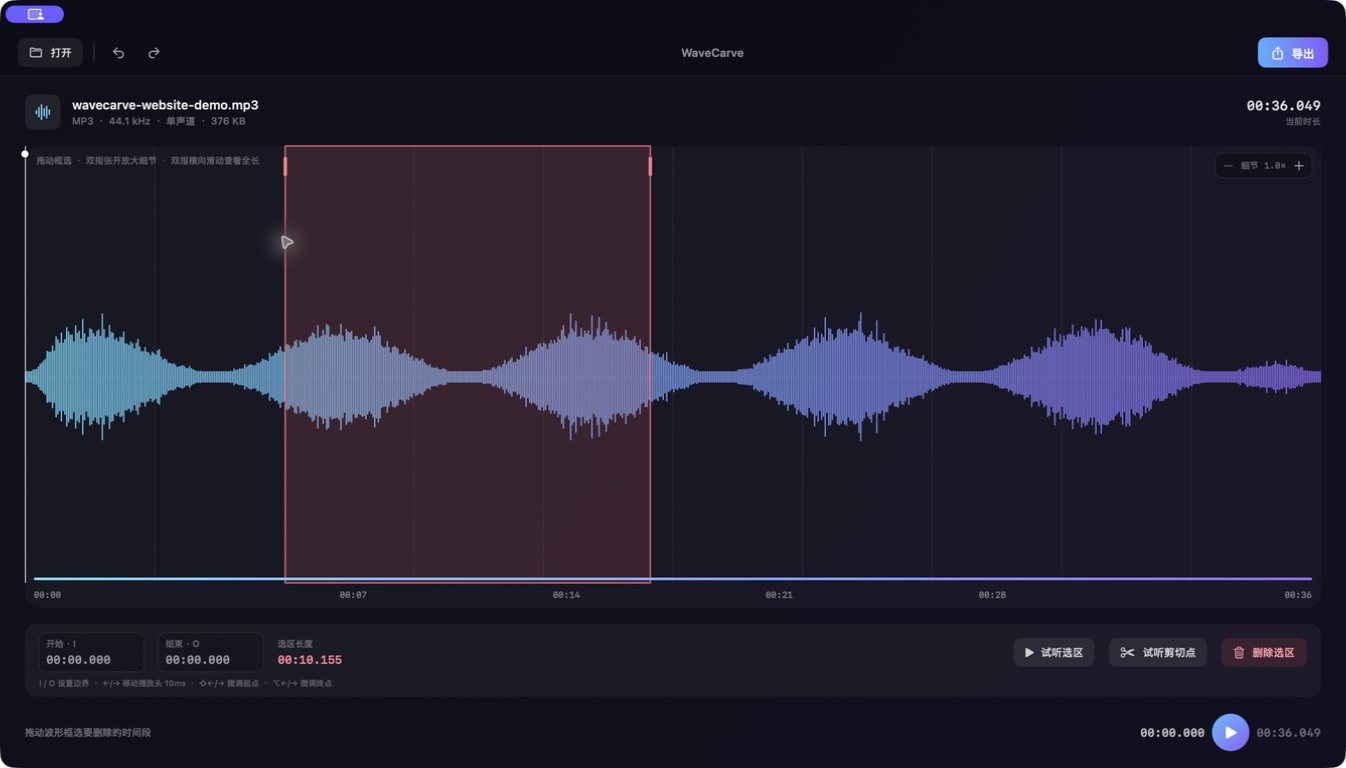
Mark an unwanted range, preview the selection or the new join, then remove it with confidence.
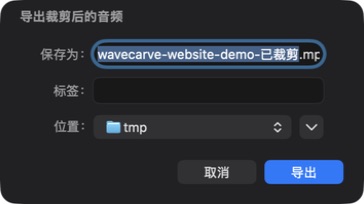
WaveCarve uses the original file type by default, avoiding unnecessary format changes.
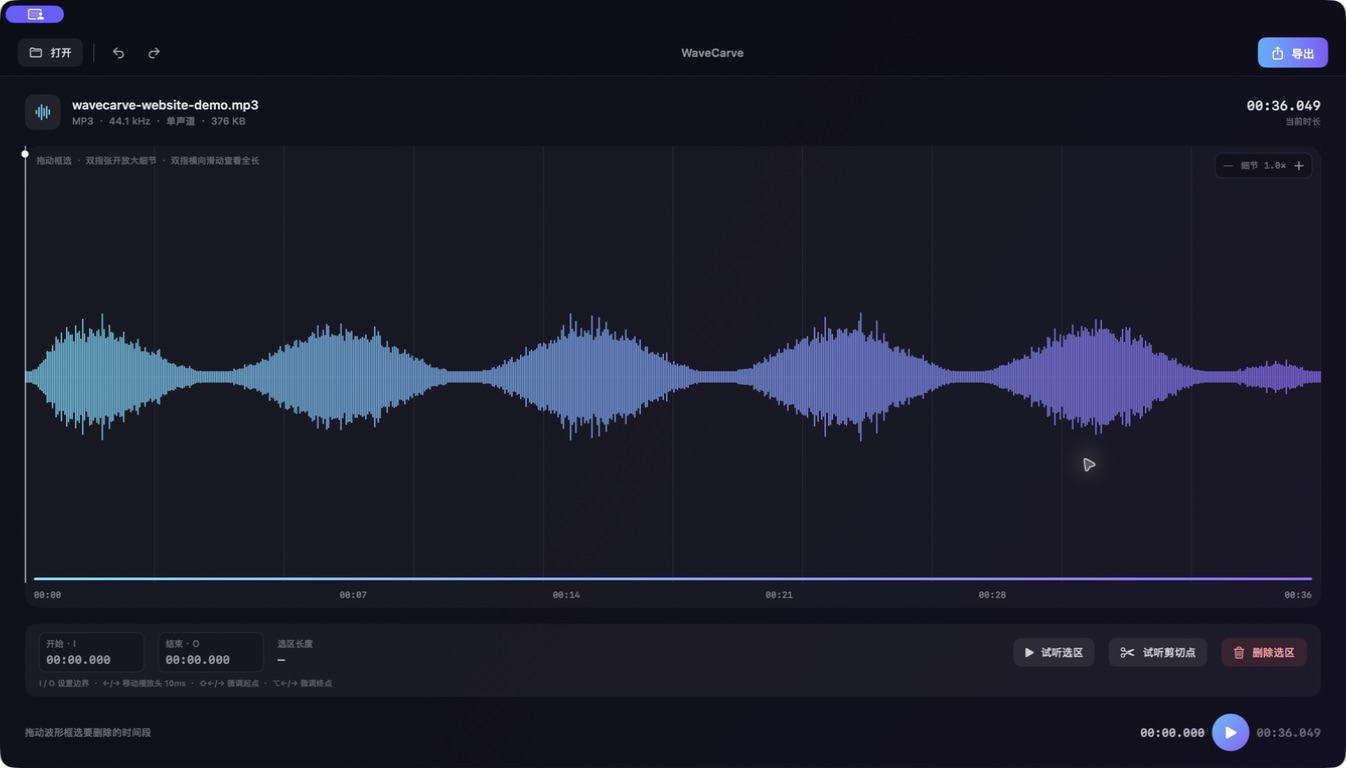
Keep details such as title, artist, album, and cover artwork whenever the format supports them.
No account, no audio uploads, no advertising, and no third-party analytics or tracking SDKs.
Simple pricing: Download WaveCarve on the App Store for US$1.99. One-time purchase, lifetime use, and no subscription. Waveform generation, playback, editing, and export all happen on your Mac.